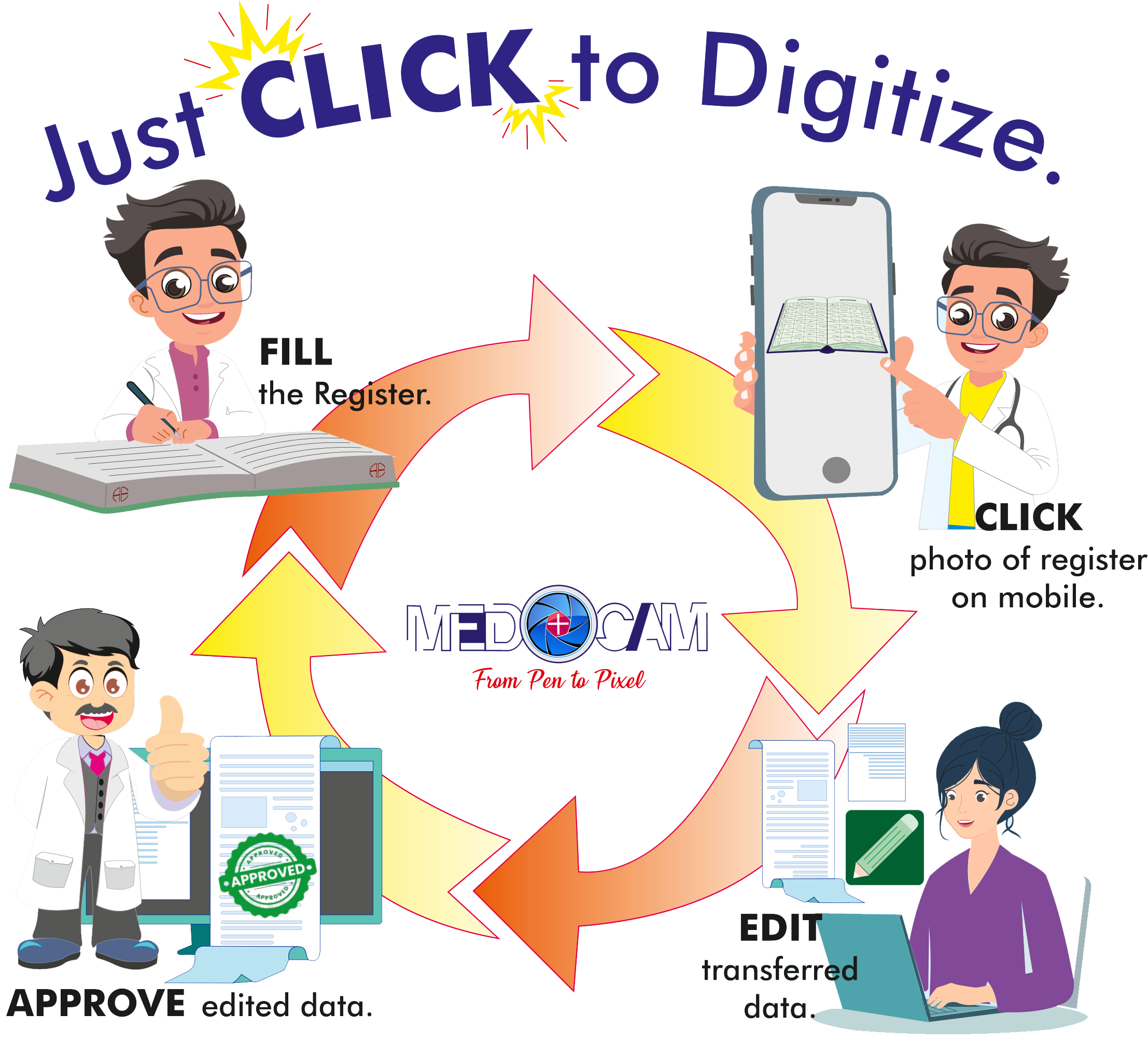
MeDoCam is a cloud-based software designed to digitize handwritten medical records using advance OCR (Optical Character Recognition) technology. MeDoCam seamlessly converts data from physical registers to structured, digital formats, reducing manual entry into digital system. MeDoCam will help in easy transition from physical to digital data, reducing costs, enhancing accessibility and increasing efficiency in a single click.
Objects required to make the system work:
Register designed by Anantavi Enterprises.
Mobile with camera
Laptop / Tablet / Desktop to access data
How works:
Why ?
How to use ?
Hospital Account Creation.
Order Register Order the required Register from Anantavi Enterprises Pvt. Ltd. and start the patient entries in the register.
Register Entry Upload After filling out the register pages, simply take a clear photo of the page and upload it to the MeDoCam website. The system will automatically process the image using Optical Character Recognition (OCR).
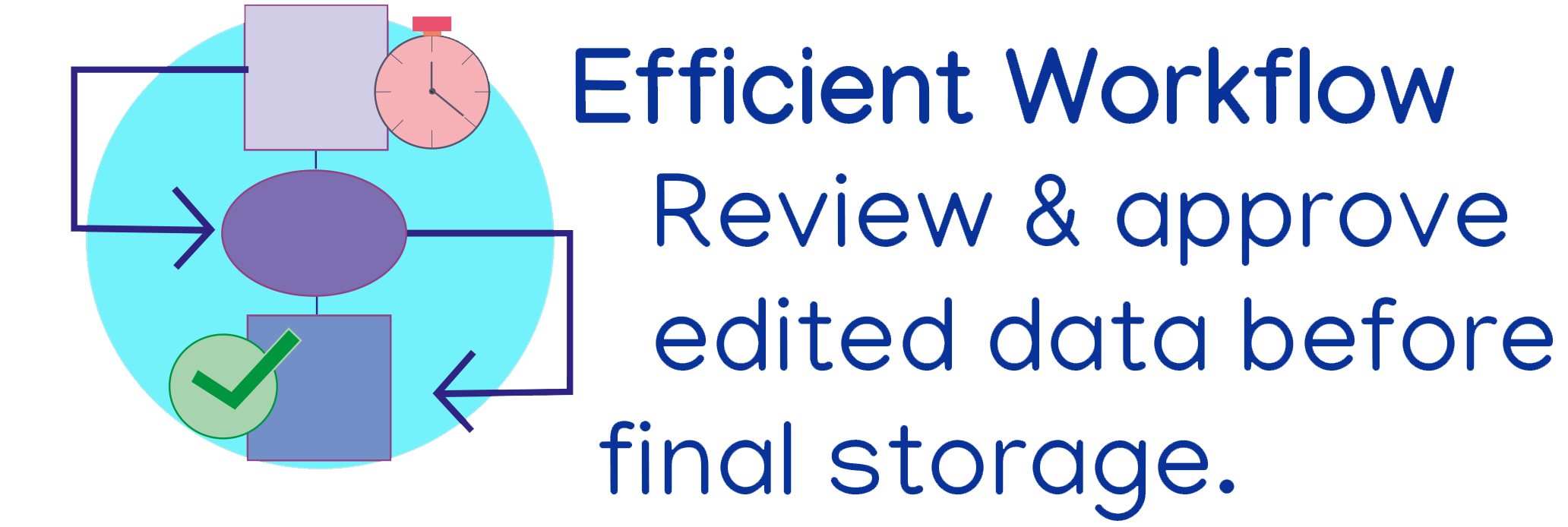
Data Verification and Editing Once the OCR process is complete, the extracted data will be available for minor edits and corrections. This edited data will then be sent directly to your hospital account for review.
Data Management The hospital can modify the data if necessary. You can also attach additional files like X-rays, pathology reports, or other patient-related images to enrich the patient’s data record.
Creating New Patient Records If a patient visit has not been entered into the register, you can easily create a new entry by adding the patient’s details directly into the system.
Patient Data Retrieval To retrieve a patient’s data, simply log in to your Medocam account and search using
the patient’s UHID number, name, or mobile number.